
About This Course
Unlock data-driven decision-making with our Business Data Analytics Bootcamp, a complete and practical learning experience built for professionals and aspiring analysts. This program equips you with high-value skills to transform raw data into meaningful business insights using industry-standard tools, Excel for reporting and automation, SQL for structured data extraction, Power BI for powerful dashboard storytelling, and Python along with Pandas and Matplotlib for advanced analytics. You will also explore AI productivity tools, learning the top AI platforms every modern professional relies on to accelerate work, improve accuracy, and boost overall productivity.
In this bootcamp, you’ll learn to automate repetitive workflows, clean and structure messy datasets, analyze business performance, visualize trends, and build interactive dashboards that drive real business impact. Gain the ability to uncover patterns, generate actionable insights, optimize operations, improve performance, and support strategic business growth with confidence.
This course offers a beginner-friendly, step-by-step learning path that requires no prior coding experience, ensuring a smooth journey for newcomers while delivering job-ready expertise for experienced learners. Along the way, you’ll also discover how AI can elevate analytics by strengthening data interpretation, refining strategy, and enhancing productivity for professionals across industries.
Join thousands of learners advancing their careers with AI-powered business analytics. Future-proof your skillset, gain a competitive edge, and grow into a smarter, faster, and more effective data-driven decision-maker. Enroll now and take the next big step toward mastering modern business analytics with AI.
Learning Objectives
Material Includes
- Stepwise Learning Modules
- Full Project Source Code
- Quick-revision Cheat Sheets
- Certificate of Completion
Requirements
- No coding or analytics background is needed this bootcamp starts from basics.
- A laptop or computer with internet access (Windows or Mac supported).
- Excel familiarity can help but is not required we guide you step by step.
- A learning mindset with interest in data-driven decision-making.
- Excitement to work on real business datasets and AI-powered tools.
- Power BI and SQL setup recommended, with complete installation walkthrough included.
Target Audience
- Business professionals who want faster, smarter decisions using data and AI insights.
- Aspiring analysts aiming to build job-ready analytics skills with AI acceleration.
- Entrepreneurs using data + AI to drive growth and competitive advantage.
- Marketing, Sales, Finance, and Operations professionals optimizing strategies with AI-powered analytics.
- IT professionals and developers integrating analytics and automation into modern workflows.
- Students and graduates kick-starting a future-proof career in business intelligence with AI tools.
- Any professional transitioning into data-driven roles and improving productivity through automation.
Curriculum
Getting Started
Introduction00:02:51
Start on Windows, MacOS, and Linux00:01:58
How to ask great questions00:01:49
faq’s00:01:30
Course Materials & Solutions
Introduction to Business Data Analytics
Excel Data Basics
Excel Formula and Functions
Excel XLookup Only for Excel and Office 365
Excel Data Transforming and Importing
Excel Data Formatting and Table Design
Excel Data Analysis with Pivot Tables
Excel Charts and Data Visualization
Microsoft SQL Server Setting Up
SQL Azure Data Studio
SQL Database Basics: Getting Started with SSMS
SQL Statement for Data: Querying, Modifying and Managing Information
SQL Statement Basics
Data Management: Data Filtering
Data Management: Aggregate Functions
Data Management: SQL Conditional Clause Query Statement
Data Management: SQL Group by Statement
Data Management: JOINS in SQL – Combining Data Across Tables
SQL Server Azure Data Studio Visualization
SQL Server Azure Studio SQL for Data Analysis
SQL Server Importing & Exporting Data
SQL Server Secure Backup and Restore Database
Microsoft Power BI: Introduction
Power BI: Setting up Desktop Enviourment
Power BI: Connecting and Shaping Data
Power BI: Data Modelling
Power BI: Data Modelling
Power BI: Data Analysis Expression (DAX)
Power BI: DAX – Time Intelligence Functions
Power BI: Data Visualization
Power BI: Interactive Dashboards (Sales Data – Case Study)
Power BI: Exporting – Publishing and Sharing
Power BI: Mobile App Reporting
ChatGPT OpenAI: Introduction
Python Setting Up Local Development Environment
Python Basics Using ChatGPT AI for Faster Learning
Python Intermediate Using ChatGPT: Beyond the Basics
Python Games Using ChatGPT
Python OOPS Mastery: Advanced Concepts with ChatGPT
Python Pandas: Data Analysis Made Easy
Pandas Create and Loading Data
Exploring Data Efficiently with Pandas: Key Techniques and Insights
Pandas Data Cleaning: Handling Missing Values, Duplicates
Pandas Data Transformation
Pandas Data Aggregation and Grouping
Pandas Data Merging and Joining
Pandas and Matplotlib Data Visualization
Conclusion
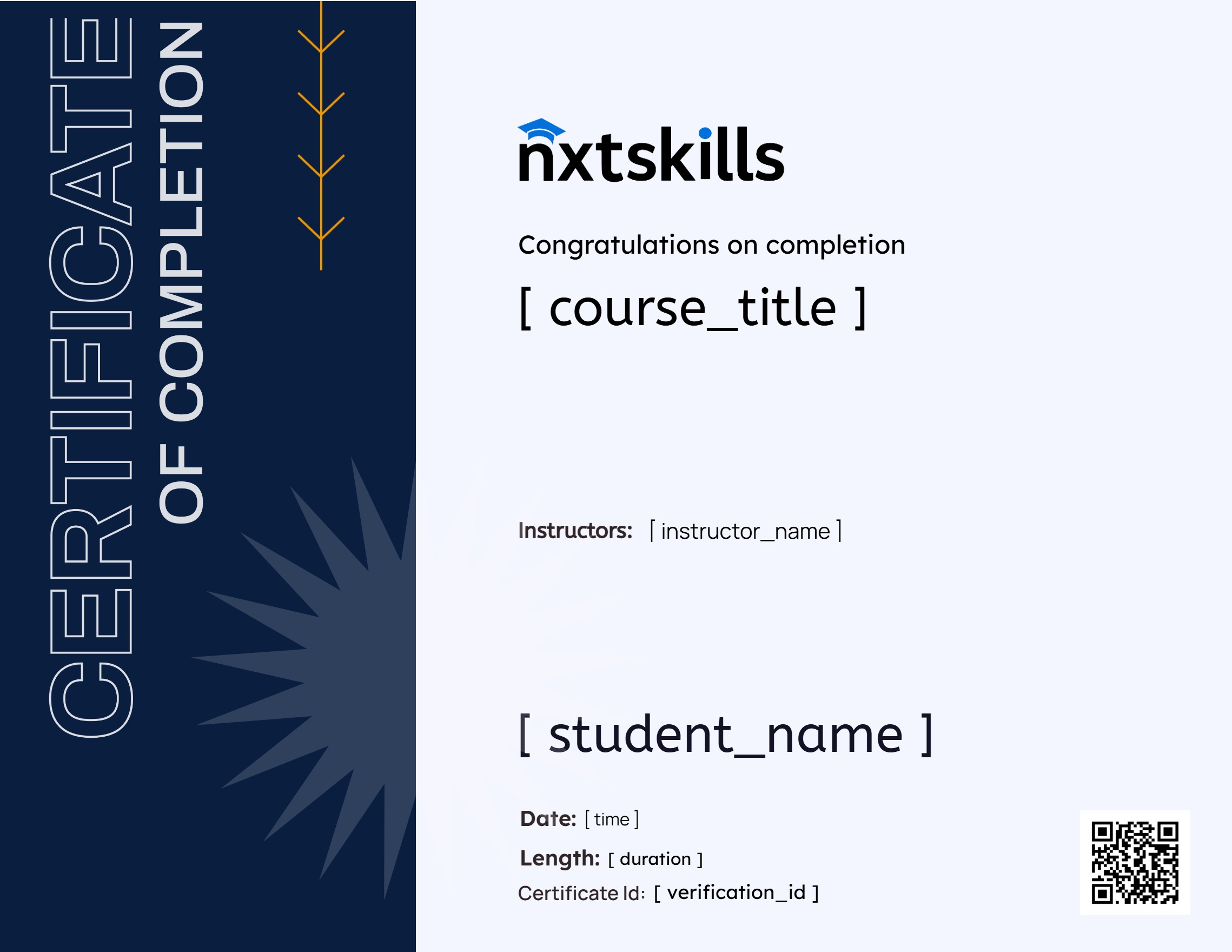
Earn a certificate
Add this certificate to your resume to demonstrate your skills & increase your chances of getting noticed.
Your Instructors

Hari Systems
Mr. Sudha Sekhar Metla is an educator and IT specialist committed to transforming learners into industry-ready software professionals. With a deep focus on practical, outcome-driven training, he bridges academic fundamentals with real-world industry demands, helping students and professionals confidently build skills that unlock career growth.
He specializes in Artificial Intelligence, Machine Learning, and Data Science concepts, along with software development across multiple programming languages including Python, Java, C#, C++, PHP, ASP.NET and more. His expertise spans modern web technologies such as HTML, CSS, JavaScript, Bootstrap, AJAX, and UI/UX practices, as well as database systems like Microsoft SQL, MySQL, PostgreSQL, MongoDB, and other relational and NoSQL platforms. Additionally, he brings strong knowledge in Linux, Windows, and server administration.
His teaching approach emphasizes clarity, hands-on projects, real-world examples, and structured learning paths that simplify complex concepts and build mastery step by step. Mr. Metla designs every course to be engaging, practical, and career-focused ensuring learners not only understand technologies but apply them to solve real industry challenges. He invites aspiring IT professionals to join him on a skill-building journey that fosters confidence, capability, and success in the competitive software industry.
₹749.00₹1,999.00
Material Includes
- Stepwise Learning Modules
- Full Project Source Code
- Quick-revision Cheat Sheets
- Certificate of Completion
Complete Data Analyst Roadmap: From Beginner to Job-Ready
₹499.00₹999.00